
AI
Run DeepSeek locally: secure, free and without data risk
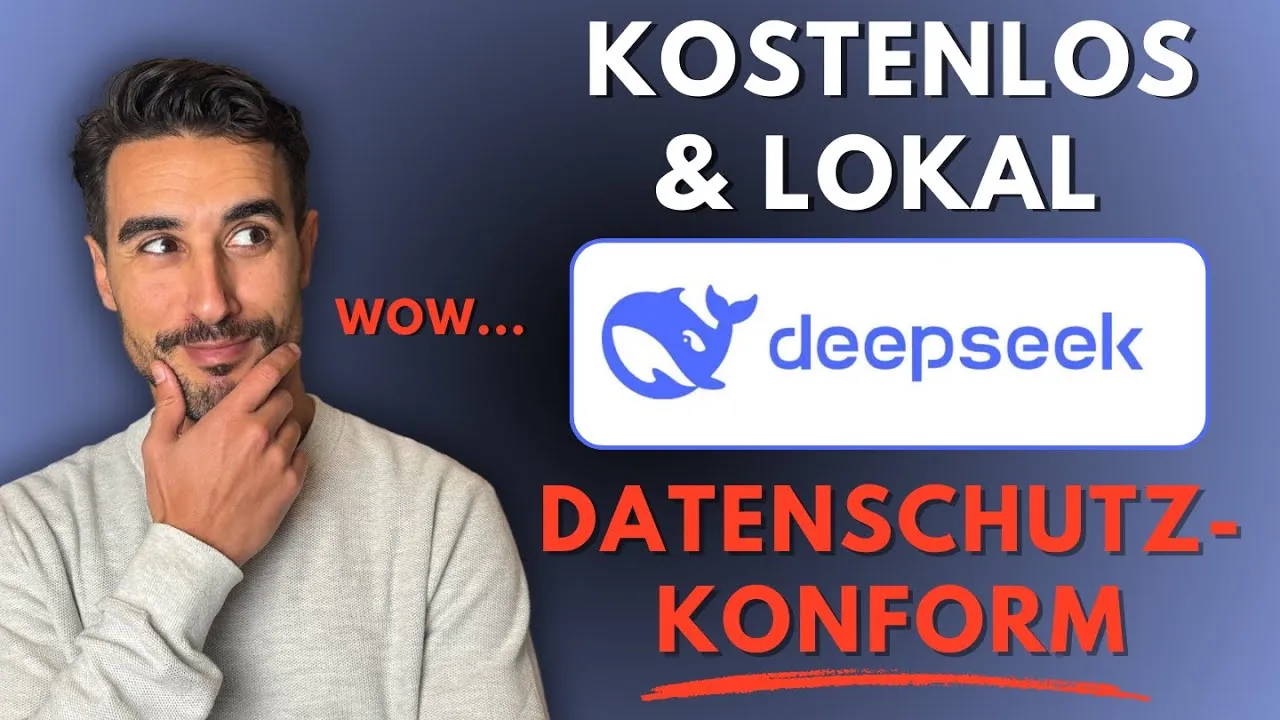 Video in German
In today’s digital world, data protection and data security matter more than ever. Many people already use DeepSeek, a popular AI application, but it is hosted on Chinese servers. That poses risks for your data. Fortunately, you can also run DeepSeek locally on your own computer: free of charge and GDPR-compliant.
Key takeaways
- DeepSeek is a popular AI application, but it is hosted on Chinese servers.
- With Pinokio, you can install and use DeepSeek locally.
- The whole process is simple and only takes about 10 minutes.
- You can download and customise different AI models.
- All data stays on your own computer.
Data protection concerns with DeepSeek
DeepSeek is rapidly gaining popularity. But the data is processed in China, which is problematic in terms of data protection. If you enter sensitive information, it could potentially fall into the wrong hands. Businesses and freelancers in particular need to be careful here to comply with GDPR requirements.
Local installation with Pinokio
To use DeepSeek securely, you can install it locally on your computer. Here are the steps:
- Download Pinokio: Go to pinokio.computer and download the tool.
- Installation: Follow the instructions to install Pinokio on your PC or laptop. This takes about 10 minutes.
- Open Web UI: After the installation, you can download Open Web UI to use DeepSeek.
Downloading models
Once you have installed Open Web UI, you can download different AI models. Here is how:
- Go to the settings in Open Web UI.
- Select “Manage models”.
- You can download various models from ollama.com.
- Note that the models come in different sizes. Choose a model that suits your computer.
Using DeepSeek
Once you have installed DeepSeek locally, you can use it straight away. Here are a few tips:
- Prompts: You can try out different prompts to see how DeepSeek responds.
- Customisation: You can customise the model by adding a knowledge base or changing system prompts.
- Creative projects: Use DeepSeek to start creative projects, such as building websites or apps.
Conclusion
Being able to use DeepSeek locally is a huge step towards data protection and security. Instead of putting your data in someone else’s hands, you now keep full control over your AI applications. On top of that, the whole thing is free and set up in a few minutes.
Stay tuned: If you would like to learn more about Pinokio, DeepSeek or other AI topics, just leave your email address. We will keep you up to date with further updates and tutorials from the world of AI.