Web app or an app from the store?
For most business ideas, a web app is the faster and cheaper start. It runs in the browser, on any device, and users only need a link. Updates reach everyone immediately, without review by Apple or Google. And you develop one codebase instead of two separate apps.
An app from the store is worth it if you make heavy use of device features, such as Bluetooth, background processes or offline use over long periods, or if your target audience specifically searches the App Store. A middle path often makes sense too: a web app first, then an installable version once usage justifies it.
What a web app from us includes
A web app from us includes everything it needs in day-to-day use, not just the interface:
- Login and roles: users, admins, partners, each with their own permissions.
- Database: structured data instead of spreadsheets passed around by email, for example PostgreSQL via Supabase.
- Admin area: so you can manage content, users and settings without a developer.
- Payments: subscriptions and one-off payments, for example with Stripe.
- Emails and notifications: confirmations, reminders, reports.
- Integrations: connections to CRM, accounting, calendar or partner APIs.
- Public pages: landing page, pricing, help. Built so that Google can read them.
MVP: test first, then expand
An MVP is the smallest version of your app that lets real users solve a real problem. The point: find out whether the idea holds up before a lot of money goes into features nobody uses.
We plan an MVP backwards from the most important moment. What does a user need to achieve in their first session to come back? Everything that does not contribute to that goes into a later stage. Tools like Bolt.new or Lovable are good for first clickable prototypes. We describe where their limits lie in our guide to Bolt.new. A product used by paying customers needs clean data handling, permissions and security.
Who we build web apps for
We build web apps for two groups. Founders with a product idea who need someone to build the first version and its expansion. Companies that need an internal tool, a customer area or a partner portal because Excel and email are reaching their limits.
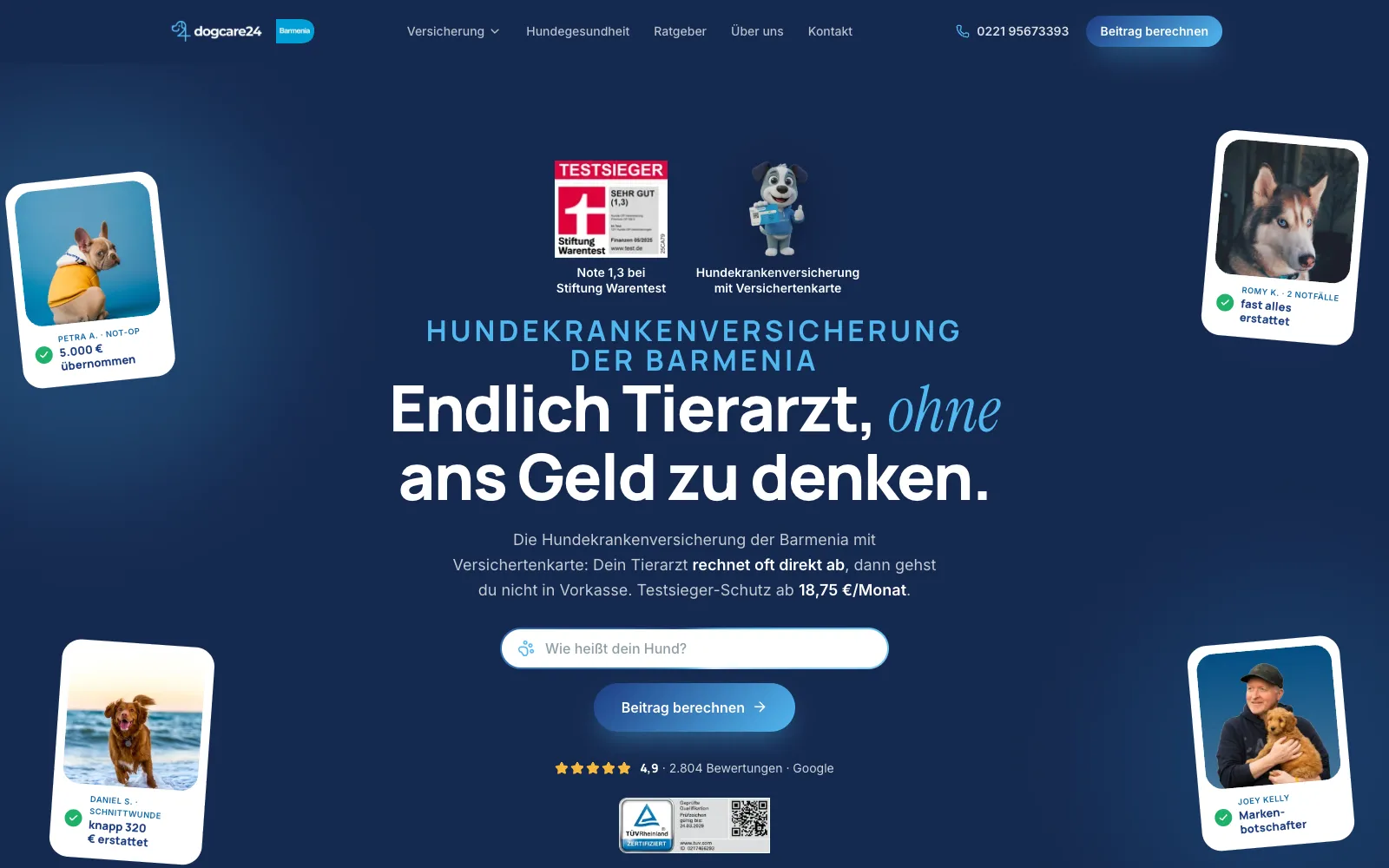
What both have in common: the application has to work in daily use and measurably improve something. Typical examples of such applications are a customer area where customers upload documents and see the status of their order, a tool for field sales staff that creates quotes on site, or a platform that brings providers and buyers together. One example of a project with its own backend is Dogcare24, with plan selection and online sign-up. More on our broader offering under Software development.
Security and data protection
We plan security from the start, not after launch. That includes secure sign-in, permissions that define exactly who may see which data, encrypted connections and regular database backups. Payment data stays with the payment provider, not in your application.
On data protection, we clarify early on which personal data the app processes, where it is stored and which services are involved. That way you can prepare the necessary contracts and notices before the first users arrive.
After launch
After launch, the real work begins: users behave differently than planned. We measure which features are used, where users drop off and which questions reach support. That shapes the next stage. If you wish, we take care of hosting, monitoring and updates, so you can focus on customers instead of servers.
So that users find your app
A web app without users is an expensive hobby. That is why we also plan the routes to the app: a landing page that explains who the app is for, pages for the search terms your target audience uses, and tracking that shows which source leads to sign-ups. If you also want to appear in AI answers from ChatGPT or Perplexity, find out more under AI SEO.
With SaaS products in particular, new users often come from searches for the problem, not for the product name. That is why we plan content for the questions your target audience asks before they know about your app.
If your app is meant to collect enquiries or sign-ups through a flow, such as a calculator or a plan selection, read the Funnel development page.
What a web app costs
Web app projects start at €5,000. The price grows with views, roles, integrations and special cases. After the prototype you get a quote for the first stage, and then you decide step by step. If you have an idea and want to know the smallest sensible starting point: Book an intro call.

 View